



✓
Marcus Bennett III
14
Less time logging. More time creating.
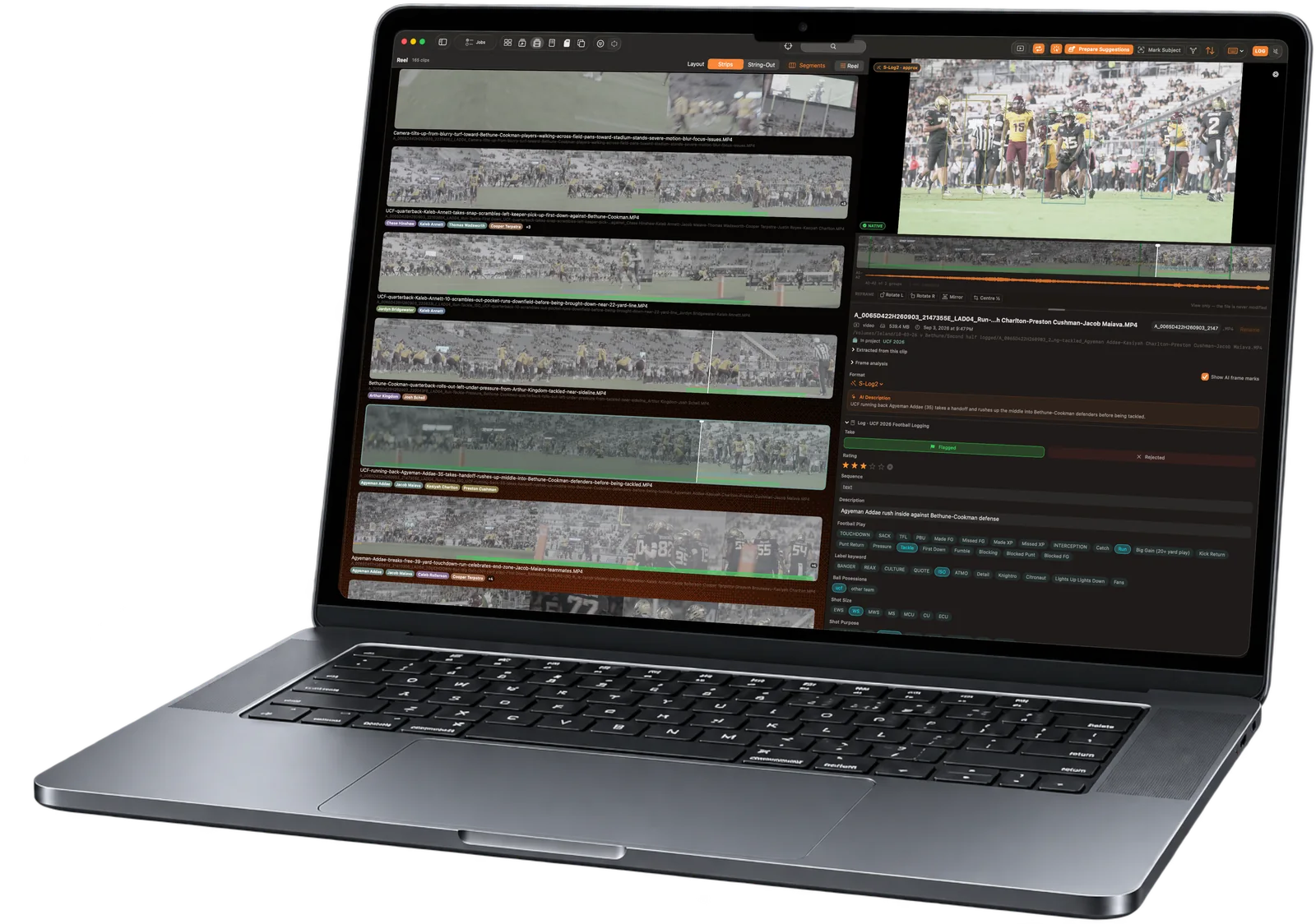
ClipLogger is a Mac Digital Asset Manager with machine vision that helps log your footage so your crew can spend energy on the edit. Scan for subjects, review AI logging suggestions, see transcripts, then preserve logging data into filenames and read natively in Premiere.
APPLE SILICON · LOCAL SUBJECT DETECTION
Your keywords, mapped to your keys.
Keywords are sorted into a logging palette and assigned to a project helping you keep sport specific terms separate. Map anything to a key for manual logging
What happens in the clip.
writes to dc:subject · marker noteWho is in the frame.
writes to dc:subjectCode replacement with important context.
Hold Shift and type a code from your lookup table. Pick the right match, then press Enter to log the full name.
Import a roster or use your own codes for menu items and locations. Include details that a human logger or vLM model needs to know about that subject to improve accuracy.
On device subject detection built for Sports.
One subject.
Face grouping
Appearance matches
Roster + jersey bindings
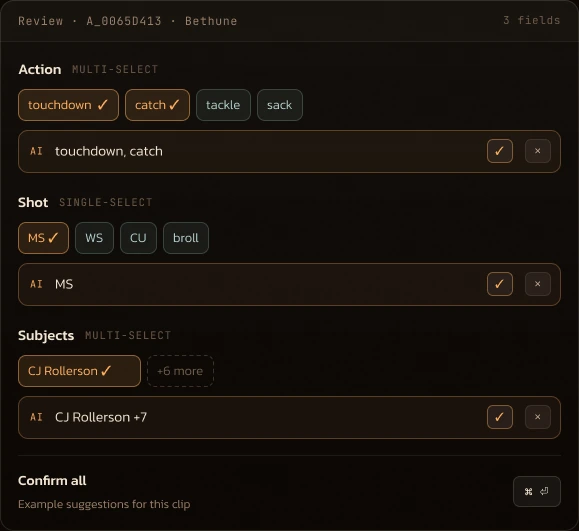
AI suggestions you can review
Choose what matters in your logging palette. ClipLogger uses selected frames to suggest values you can keep or correct.
 ✓ CJ Rollerson 13Other subject · review match
Example review · Bethune touchdown · 00:13
How AI suggestions work




touchdown ✓
catch ✓
celebration ✓
00:07 · PASS
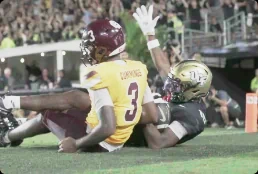
00:10 · CATCH

00:19 · CELEBRATION
Key frames are analyzed against options in your logging palette. It offers suggestions you confirm.
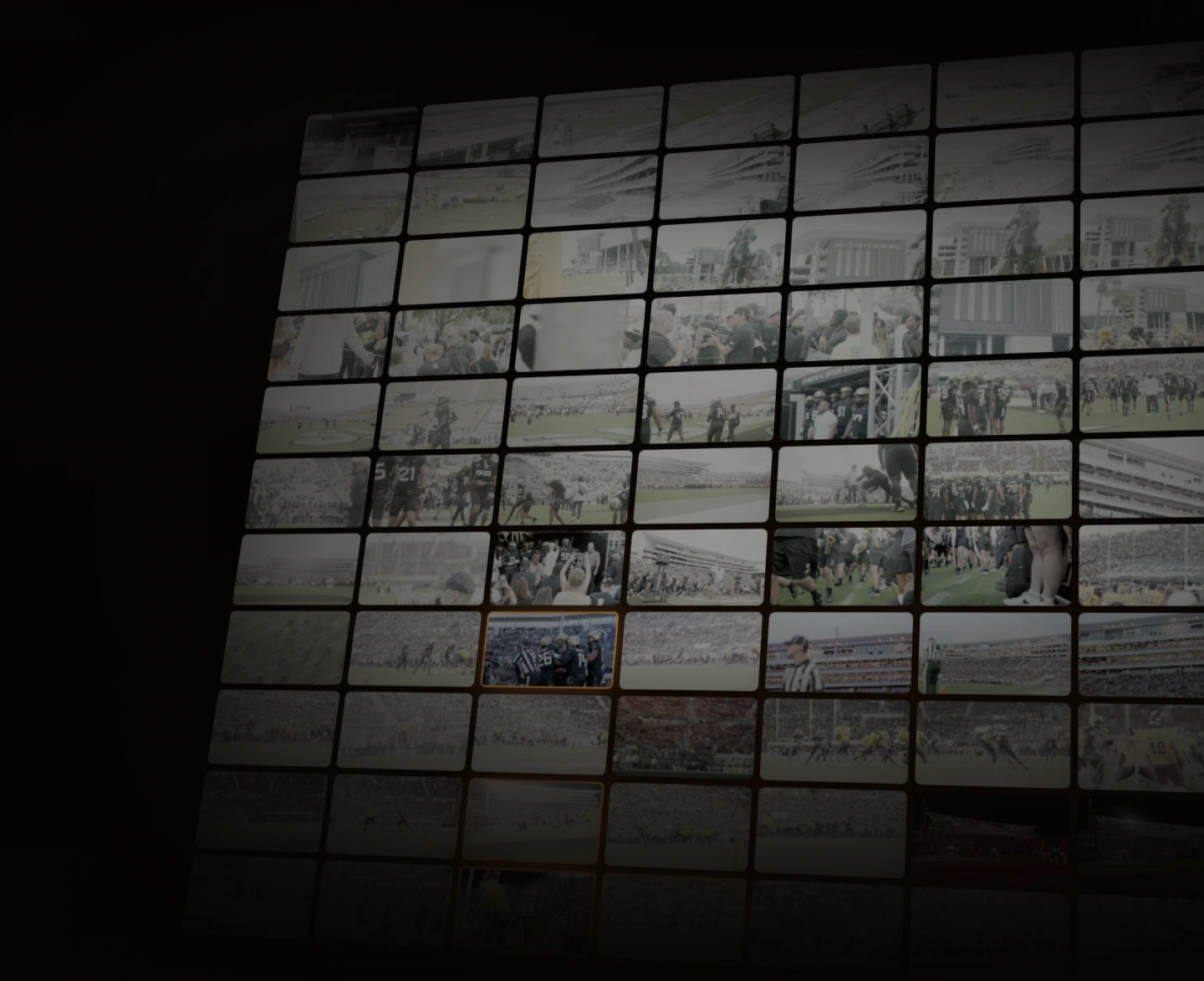
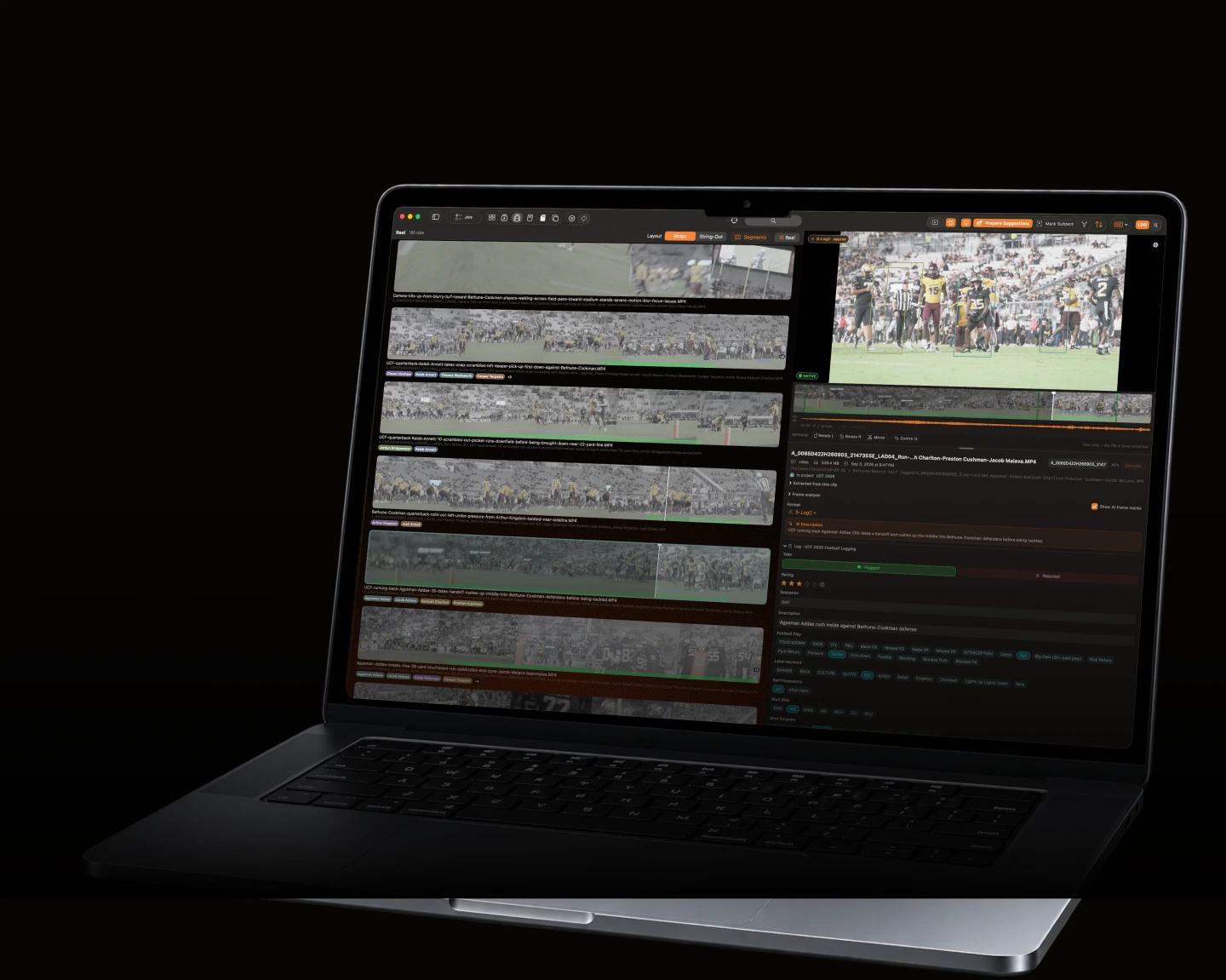
Scrubbing to find a moment is dead.
See the entire filmstrip not just the thumbnail. Click directly to mark points for key action.
Search knowing all your possible options.
Build a search
Choose only what has actually been logged in this scope.
⌖ Search in
Match options
Football Play
Camera Angle
Camera Designation
Confirmed subjects
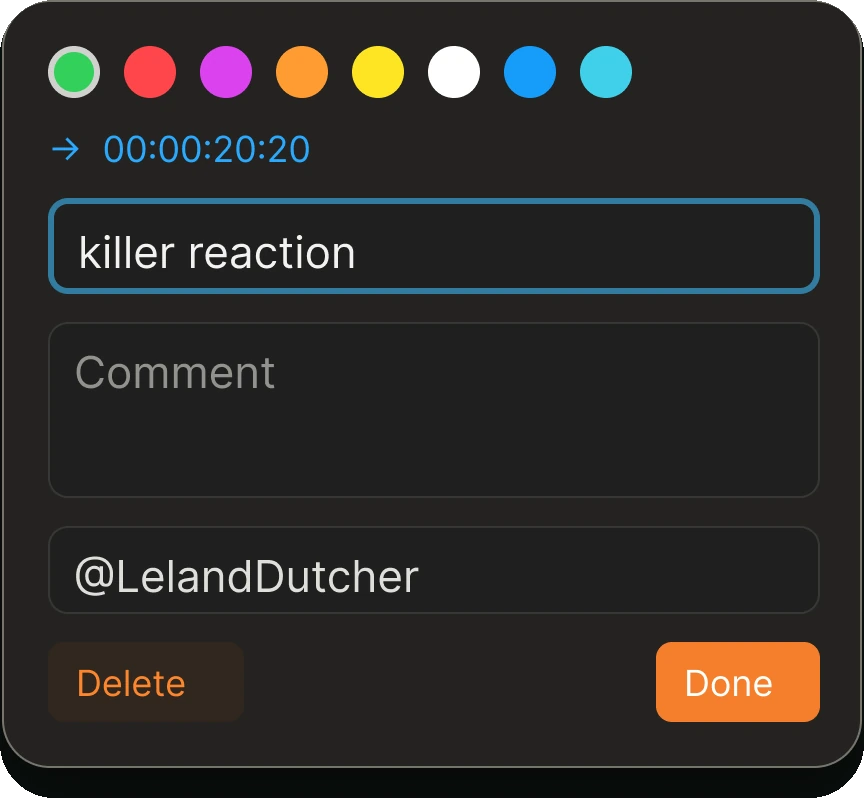
Set the range. Mark the moment.
Set in and out points. Add a named marker. All stored in the sidecar metadata read natively by Premiere.


Keep the useful range. Your original clip stays intact.

Clips analyzed by the compute that fits your needs.
Your Mac
ClipLogger’s built in engine runs on your Mac. It’s best for overnight analysis jobs.
LAN endpoint or Cloud API
Connect a supported model provider. You pay for the usage at the max speed it supports.
M4 Pro · 64 GB / ~10–20 clips per hour
Find your Mac & model →Supports any OpenAI-compatible endpoint hosting an image LLM model.
Free · included with the app
Your API key · you pay your provider's rate
Rush · one credit per clip, 25 free to start
RUSH
RUSH
RUSH
RUSH
RUSH
One clip. One credit.
Create your account, add credits, and go. Vision suggestions shaped by your palette. No model setup.

RUSH
RUSH
RUSH
RUSH
RUSH
500 clips logged in 5 minutes. No setup, most accurate results, private.
Create an account, add credits, analyze your clips using the private rush engine.
Explore Rush → ✓
✓ ✓
✓ ✓
✓ ✓
✓ ✓
✓ ✓
✓ ✓
✓ ✓
✓ ✓
✓ ✓
✓ ✓
✓ ✓
✓ ✓
✓ ✓
✓ ✓
✓ ✓
✓ ✓
✓ ✓✓✓✓✓✓✓✓✓✓✓✓✓✓✓✓✓✓✓✓✓✓✓
ONE CREDIT PER ELIGIBLE CLIP · UP TO 15 MINUTES ANALYZED PER CLIP · UP TO 500 CLIPS PER BATCH
Separate virtual ranges count as separate clips.
Keep your metadata forever, rename the file with it.
Build a name from your confirmed fields. Preview the result, then rename the files on disk.





Find what you shot.
Don’t just log it.
Let machine vision help with the organization, so your crew can focus on the creative.
Questions people ask before they download
Does my footage get uploaded?
Not unless you choose Rush for a specific run. The default engine is on your Mac, and any run that spends credits shows you the clip count, the cost and your balance before it starts.
Does it work with no internet?
Entirely, once you are set up. Offload, browse, logging and playback never need a connection. The local AI models download once and run on your Mac offline for good; Rush and account sign-in are the only parts that need to be online.
What do I need to run it?
A Mac with Apple silicon on macOS 15 or later. There is no Intel build, and no Windows version.
Is one credit really one clip?
Yes, up to about fifteen minutes per clip. No per-minute maths and no surprise line items. The cost is shown before the run starts.
What happens to my logs if I stop paying?
Nothing. They are files beside your footage, not rows in our database. The viewer, offload, browse and logging stay free regardless.
Can I use my own AI provider?
Yes. Bring an OpenRouter key and the request goes from your Mac straight to the provider you picked. We never see it.
Is ClipLogger open source?
The metadata format is open and documented, and your sidecars are plain files you can read without us. The application itself is not open source.
Does it recognise people?
It groups the same face across clips so you tag a subject once. Names come from your roster or your own codes; nothing is matched against any outside database.
 ClipLoggerDownload for macOS